0:41
Texts to Song
Turn the Last Chat into a Song
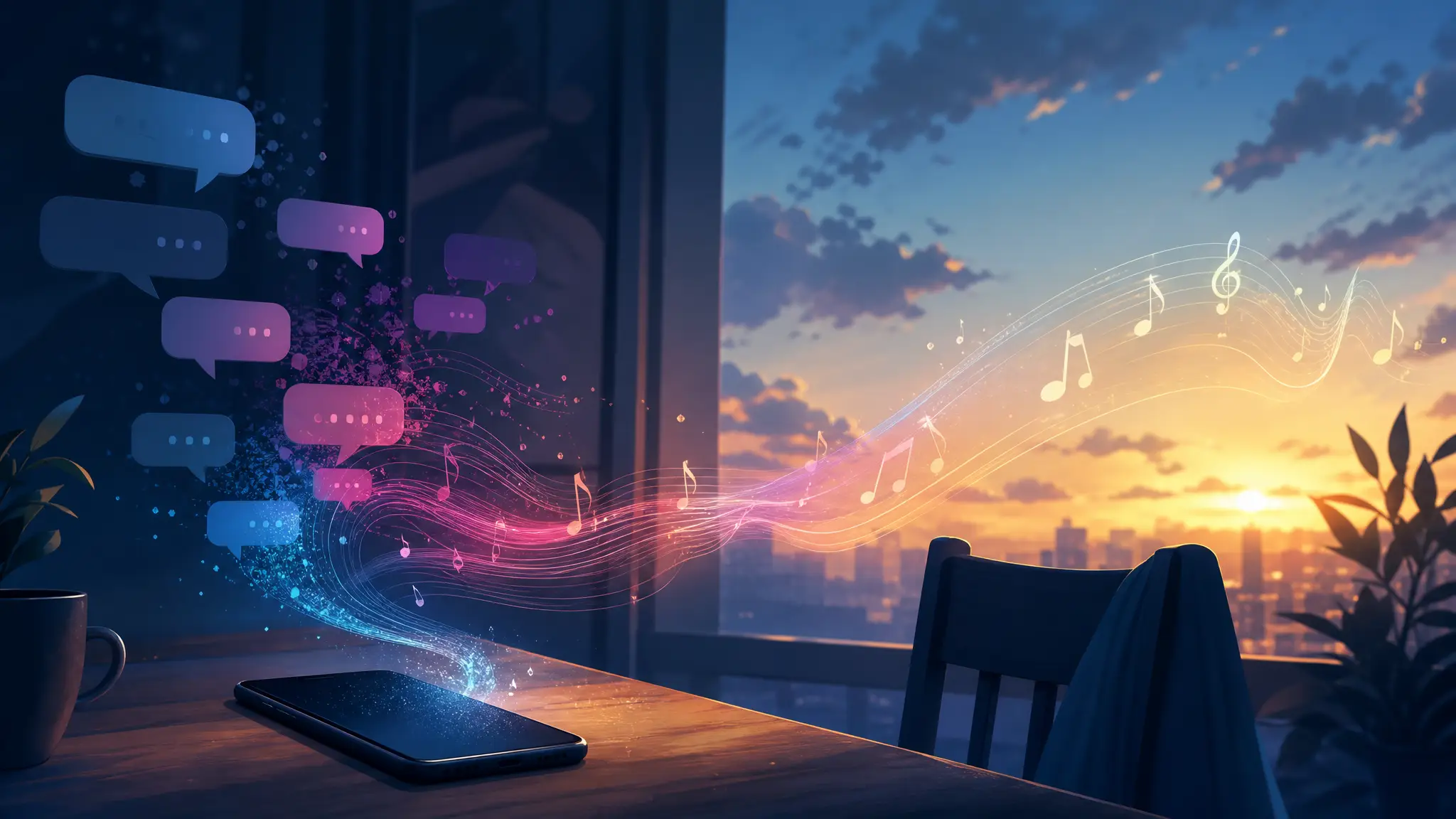
Paste a text thread, choose a mood, and turn the conversation into a song for TikTok, Shorts, or a private share.
play zone
Turn messages into music
Chat to song
step one
Paste the last chat
requiredstep two
Goodbye sound
Use display names in the lyrics
Sample Works
See how a last chat gets sung
Turn the most ordinary last conversation into a real closing scene.
Input
Last conversation
Them
I left your things by the door.
Me
Okay. Thank you.
Them
I am leaving then.
Output
Goodbye lyrics
Things left by the door
The key inside the bag
You said I am leaving
I said be safe with that
Quiet lines become lyricsStyle: ballad or acousticMade for goodbye edits
chat to song
Give the final messages an ending
Turn the final handoff, the quiet goodbye, and the last small line into a song that lands softly.
GoodbyeLast chatBalladClosure
Text-to-song brief
Turn the Last Chat into a Song -turn real words into the hook
Start with the messages, comments, or chat lines that already carry the emotion. Paste the message, comment, caption, or chat context first so the song grows from the original words instead of a vague prompt.
Message inputs
Keep the original material -then shape the emotion
Pick the feeling or style, then add details only when they make the song stronger. Add who said it, what happened, what should stay quoted, and whether the result should feel funny, sincere, dramatic, or savage.
Related templates
View category
Explore another angle
Turn the same idea into a different kind of song: a gift, a roast, a character theme, a hidden message, or a short social moment.

FAQs
Questions you may have before and after making a Turn the Last Chat into a Song.
1
Can I turn the last chat into a song?
Yes. Paste the final messages, choose a mood, and MusicMake.ai can turn the conversation into lyrics and music.
2
What kind of last chat works best?
Short goodbyes, quiet endings, returned belongings, final check-ins, and plain lines often work better than long explanations.
3
Is it free to try?
Yes. You can open the page and start with free credits. More generations, longer iteration, or advanced usage may require additional credits or a paid plan.
4
Can the song stay subtle?
Yes. Add a note for piano, acoustic, lo-fi, R&B, sad pop, or a quiet restrained style.
5
Do I need to write lyrics first?
No. You can paste the conversation as the lyric source.
6
Can I edit the messages before generating?
Yes. Paste only the lines you want to use, rewrite anything that needs context, and add notes for the mood, hook, or point of view before generating.
7
Can I keep the result private?
Yes. After generation, you can keep the song private, send it to one person, use it in a short video, or publish it more broadly.
8
Do I need music experience to use this template?
No. The template starts from scene material and guided fields, so you can create a song idea without writing music theory terms or a full production brief.