• AI Lyrics Generator
  • AI Style Generator
  • Pricing
  • Partner
Mashup Tool | AI Remix Generator50,000+ creators worldwide

Create Fresh AI Music Mashups

Use AI to combine two tracks into a new mashup. Pick songs from your library, upload audio, add a creative direction, and generate a polished remix for videos, demos, and social content.

Royalty-free
Commercial use
MP3 / WAV export
Fast results
GenerateExtendAI CoverAdd TracksReplace SectionMashupVocal Remover

Mashup Studio

Combine two tracks into a fresh remix.

Mashup

Add two songs to create a mashup.

Share the mood, genre, or hook you want. We'll shape the blend around that idea.

Sample Works

Done In A Click

Done In A Click

0:41
Rise To What's Next

Rise To What's Next

2:48
Faster By Design

Faster By Design

2:54
Chasing Horizons

Chasing Horizons

3:37
Open Doors, On Air

Open Doors, On Air

2:34
Welcome Back, You’re In

Welcome Back, You’re In

2:50
Rise To The Reveal

Rise To The Reveal

3:11
Forest of Turning Pages

Forest of Turning Pages

3:09
Starbound Heart

Starbound Heart

3:15
Starlight Run

Starlight Run

3:16
Supernova on the Floor

Supernova on the Floor

2:33
Zero-Gravity Heart

Zero-Gravity Heart

3:24

How to Create an AI Music Mashup

3 steps. Choose two tracks, guide the blend, and generate a new remix.

1
Step 1

Choose Two Songs

Select songs from your music library or upload audio files.

2
Step 2

Describe the Blend

Add a mood, genre, hook, lyrics, or style direction.

3
Step 3

Generate Mashup

Create and preview a new track that combines both sources.
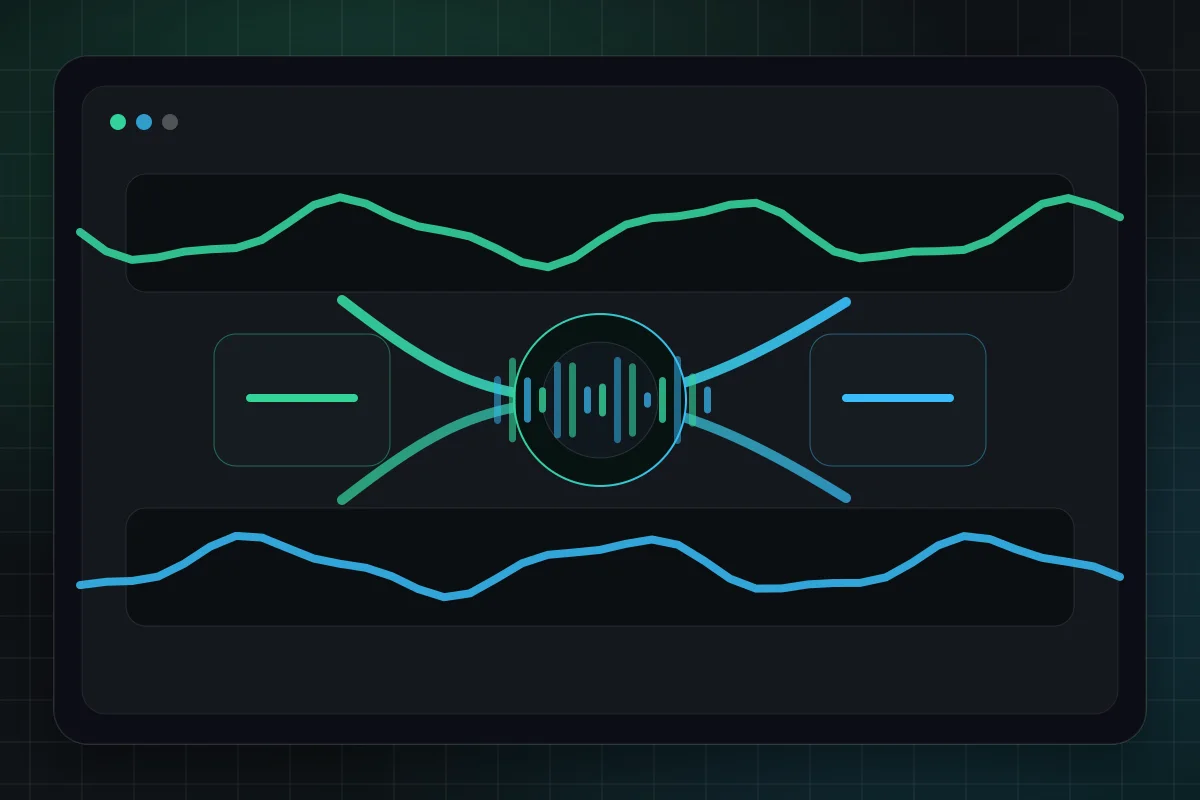
Two audio tracks blending into one new mashup waveform
AI Mashup

AI Music Mashup GeneratorBlend Songs Into a New Remix

The AI Music Mashup Generator helps creators combine two tracks into one fresh remix. It is built for quick song mashups, social edits, demo exploration, and music experiments where you want a new track that keeps the energy of both sources.
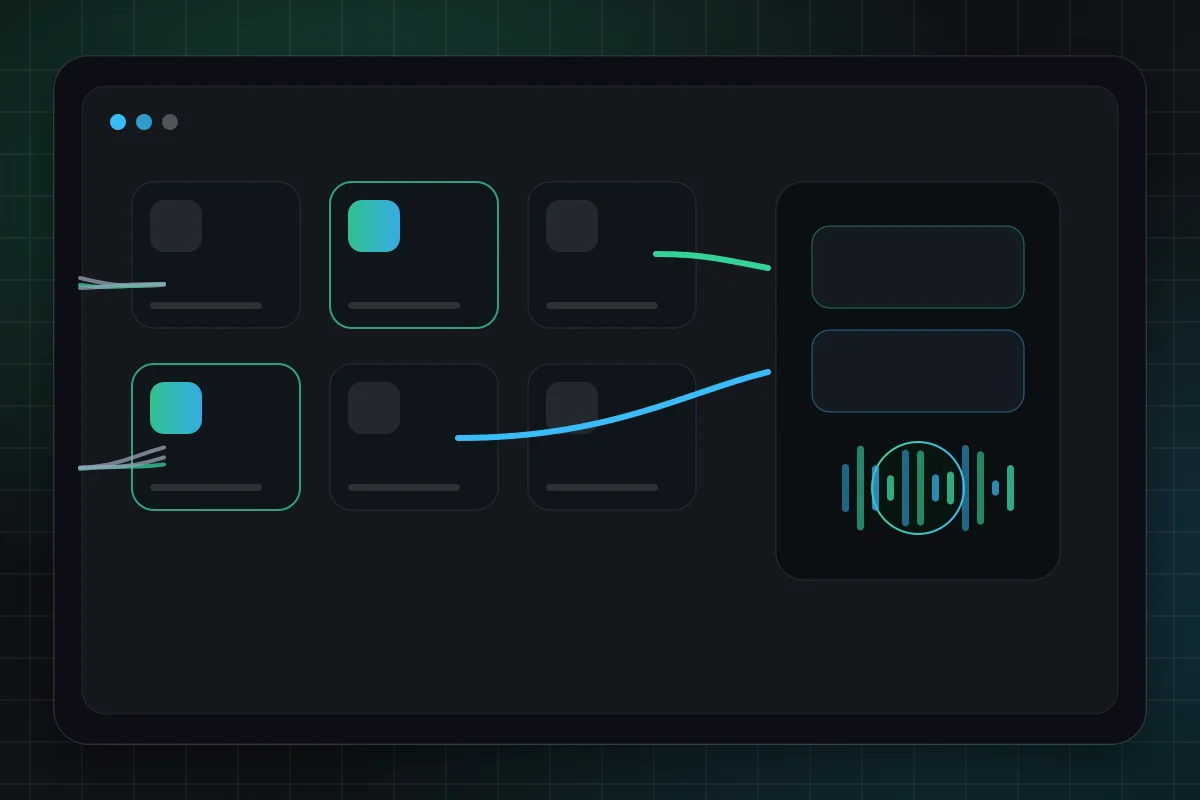
Music library workflow for selecting two songs to mash up
Library Workflow

Use Your Music LibraryChoose Existing Songs Fast

Start from songs you already generated instead of hunting for files. The mashup workflow lets you pick two finished tracks from your library or upload local audio when you want to bring in an outside source.
Choose Songs
Creative direction controls guiding a mashup arrangement
Creative Control

Guide the Creative BlendMood, Lyrics, Style, and Hooks

Use a short mashup idea for a fast blend, or switch to directed mode when you want lyrics, style tags, title, and advanced controls. The workflow stays simple while still giving creators room to steer the final track.
Try Directed Mashup
Generated mashup preview workspace with player and versions
Music Workspace

Preview and Keep CreatingListen in Your Music Workspace

Generated mashups appear in your music workspace with the rest of your songs. Preview results, compare versions, and continue with related tools such as extending, covers, and vocal removal.

Start Mashup
More Tools

Everything You Need to Create

Text to music is just the start. Explore our full AI music generator toolkit.

01

Find the best AI music generator

Compare fast creator workflows, then generate instantly.

More Tools
02

Try a Riffusion AI alternative

Create prompt-to-song music with a faster MusicMake workflow.

03

Turn text into music

Describe your idea, get a full song.

04

Turn lyrics into music

Paste lyrics, choose a style, done.

05

Create AI covers

Clone any voice onto any song.

06

Extend any track

Make songs longer with AI continuation.

07

Create song mashups

Blend two tracks into one fresh remix.

08

Remove vocals

Isolate instrumentals or vocals instantly.

09

Clone your voice

Train a voice model, use it anywhere.

10

Turn stories into songs

Describe a story or scene, get a song fast.

11

Turn mood into music

Describe a feeling, get matching music.

AI Music Mashup FAQ

Everything you need to know about creating AI mashups online

1

What is an AI music mashup?

An AI music mashup combines two source tracks into a new remix-style song. The generator uses your selected tracks and creative direction to shape a new result that borrows energy, melody, vocals, or atmosphere from both sources.
2

Can I use songs from my history?

Yes. The mashup tool is designed around your existing music library. You can select songs you have already generated, or upload local audio files when you want to add a new source.
3

What is the difference between Auto Blend and Directed?

Auto Blend is best for quick experiments: describe the mood, genre, or hook and generate. Directed mode is for tighter control with lyrics, style tags, title, vocal settings, and audio balance options.
4

What audio formats are supported?

Uploads support common audio formats such as MP3, WAV, M4A, FLAC, OGG, and AAC. For best results, use clear source tracks with stable volume and minimal noise.
5

Can I use AI mashups commercially?

You can use outputs according to your plan and applicable rights. Make sure you have the rights to any source audio you upload or reuse, especially for commercial releases or public distribution.
6

Is the AI mashup generator free?

You can try mashup generation with available credits. Regular creation uses credits based on the selected model, with more credits available through paid plans.

Still have questions?

Start Creating

Ready to Create Your First AI Mashup?

Choose two tracks, describe the blend, and generate a fresh remix in your browser.

Start Creating MashupsView Pricing Plans
Use case
Songs, background music, hooks
Speed
From prompt to download in minutes
Rights
Built for creator-friendly publishing
Logo
Music Make AI

AI Music Generator · Royalty-free · Commercial license available

TwitterX (Twitter)DiscordEmail
Product
  • AI Music Generator
  • Pricing
  • FAQ
  • Commercial License
AI Tools
  • AI Music Generator
  • Best AI Music Generator
  • Riffusion AI Alternative
  • AI Song Generator
  • AI Music Maker
  • Music to Prompt
  • AI Song Maker
  • Text To Song
  • Lyrics To Song
  • AI Song Cover Generator
  • Extend Song
  • AI Mashup Generator
  • AI Vocal Remover
  • Audio Converter
  • Voice Cloning
  • Qwen3 TTS
More Tools
  • AI Ringtone Generator
  • Calming Classroom Music Generator
  • Anxiety To Song Generator
  • Vlog Music Generator
  • Music to Sleep by Generator
  • Poems to Music Generator
  • Weather To Music Generator
  • Brainrot To Christmas Music Generator
  • Motion To Music Generator
  • Relaxing Music Generator
  • Box To Music Generator
  • Story To Song
  • Mood To Music
  • Abracadabra Song Generator
  • Trot Music Generator
  • Quotes to Music Generator
Resources
  • Blog
  • AI Music Use Cases
  • Feedback
  • Changelog
Company
  • About
  • Creative Partner Program
  • Contact
Legal
  • Cookie Policy
  • Privacy Policy
  • Terms of Service
  • Refund Policy

© 2026 Music Make AI All Rights Reserved. DREAMEGA INFORMATION TECHNOLOGY LLC

support@musicmake.ai
    • Logo
      Music Make AI
    • Home
    • Explore
    • Listen
    Tools
    • Music AgentBeta
    • Generate
    • Music to PromptNew
    • Extend
    • Cover
    • Add Track
    • Mashup
    • Vocal Remover
    Other
    • Change Log
    EmailDiscord