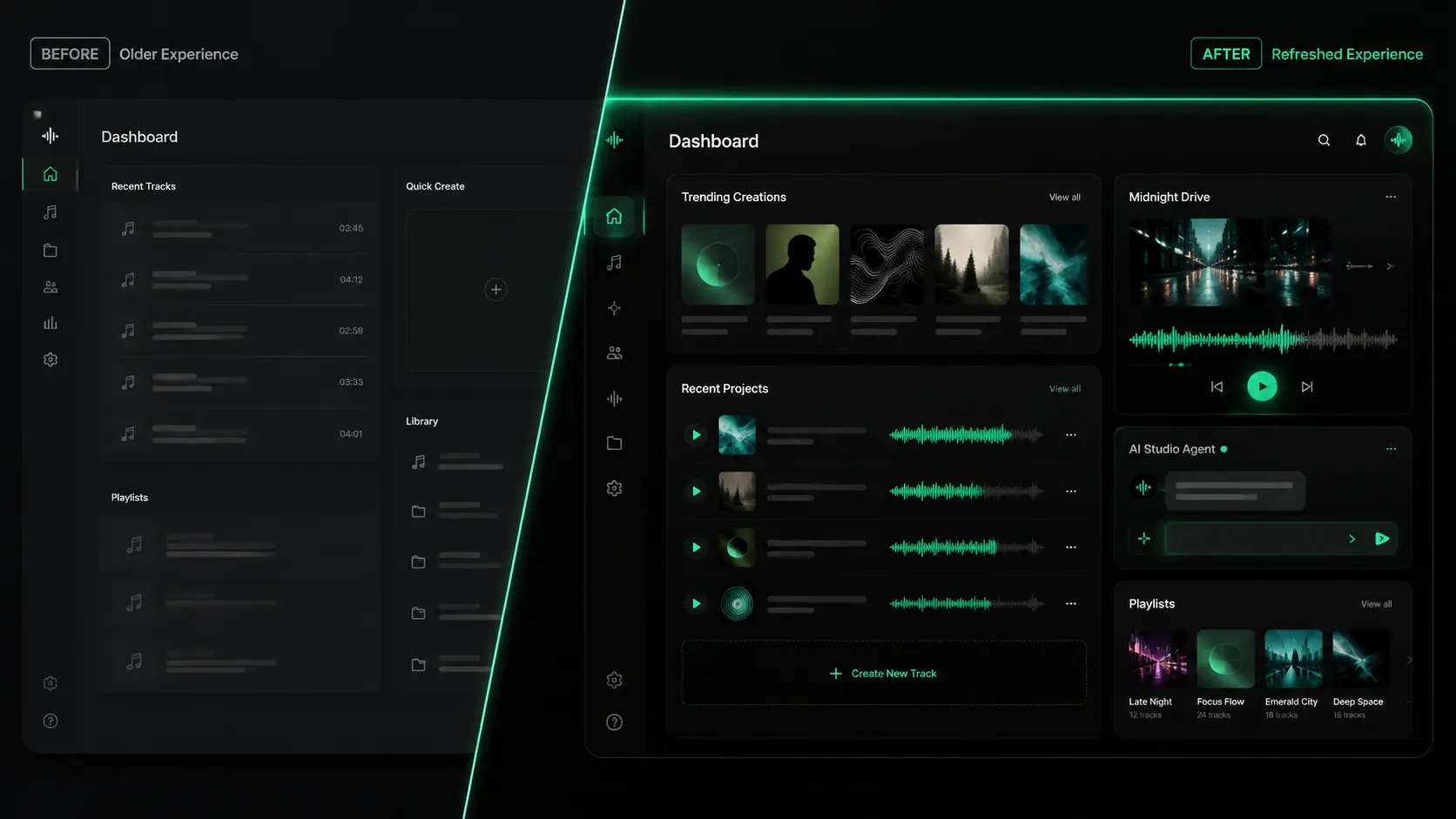
MusicMake.ai v2.0 Interface Update: A Sleeker Dark Studio Experience
A deep dive into the MusicMake.ai v2.0 interface update, a dark studio-style visual system built for music creation, preview, and management.
MusicMake.ai v2.0 brings a visual refresh to the core product experience.
Our goal was simple: make the site feel more like a focused music studio, not a generic tool interface. The experience of creating, previewing, and managing your work is now cleaner, calmer, and easier to navigate.
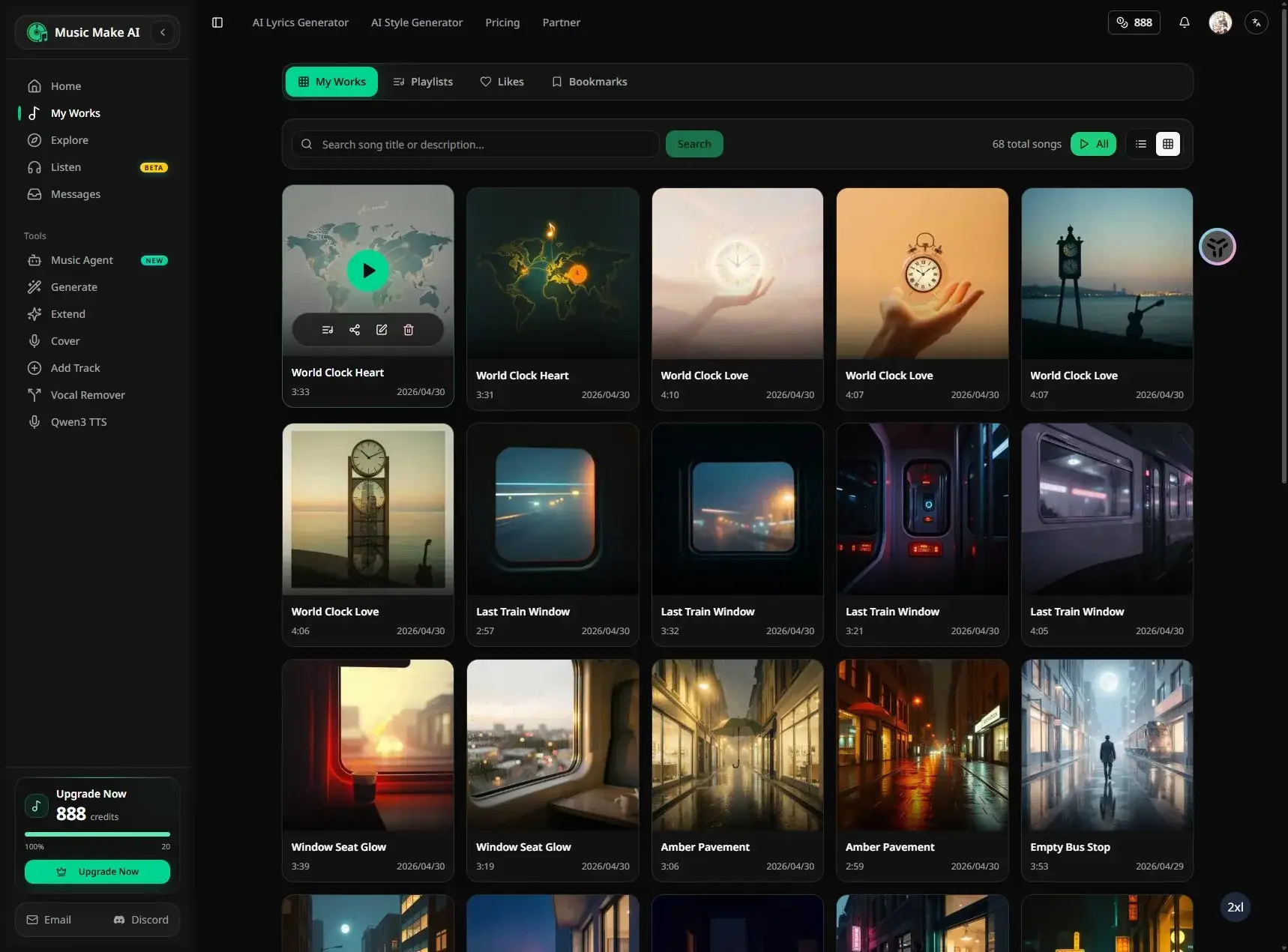
What's new
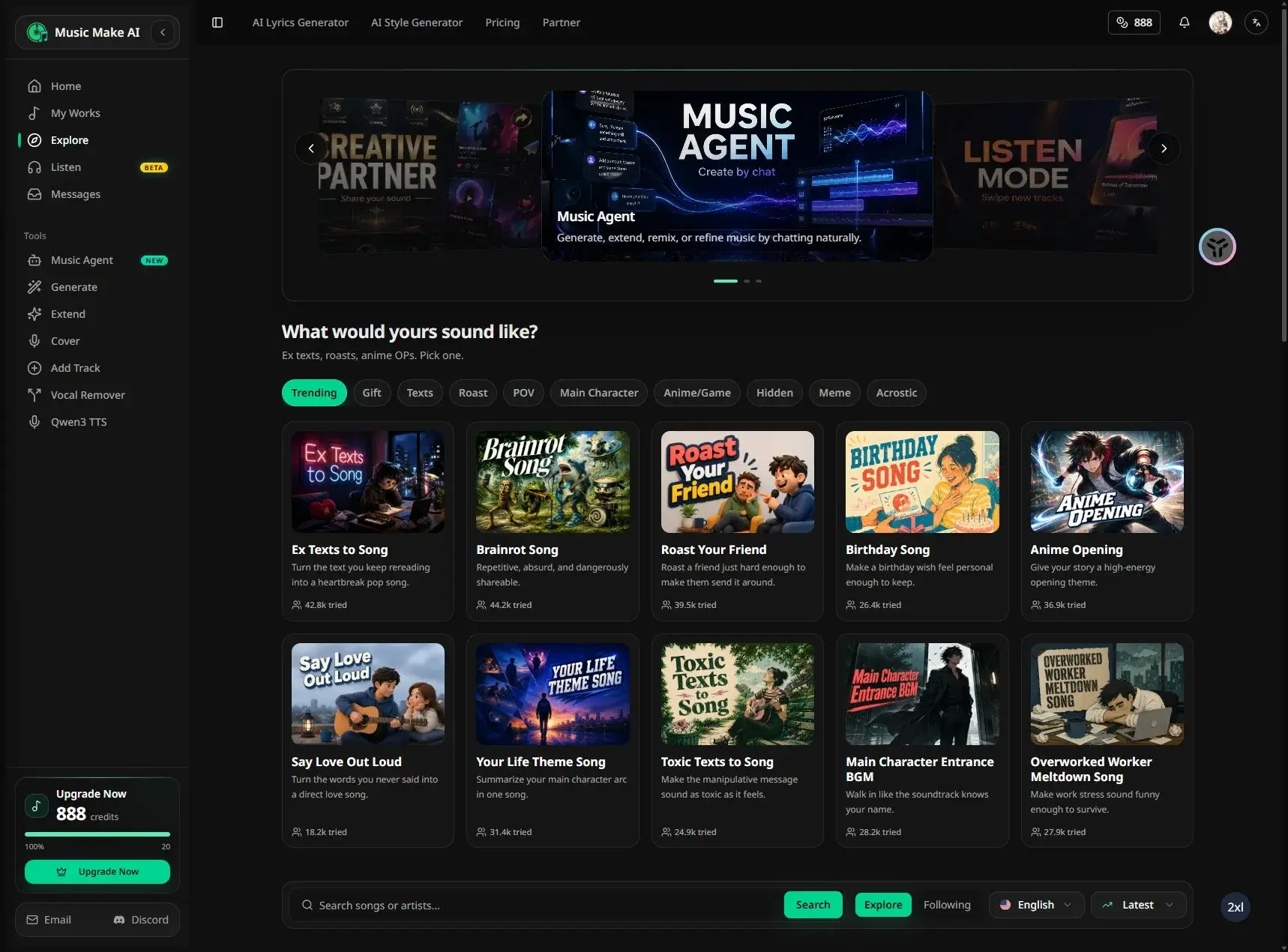
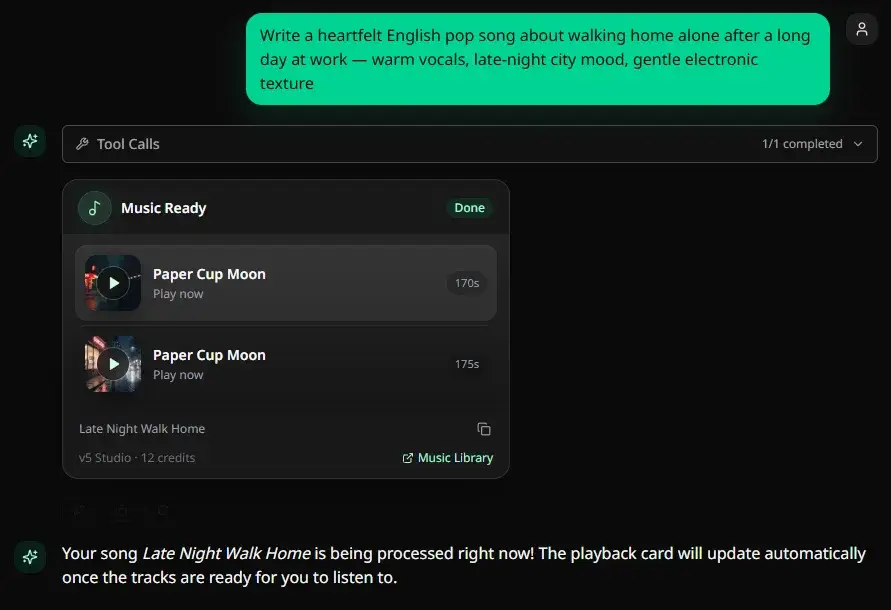
We redesigned the interface with a more atmospheric dark studio aesthetic, optimized media display areas, enhanced music-related interaction cues, and unified the visual style across all interaction states.
Key areas of improvement include:
- The creation page is now more focused and visually decluttered.
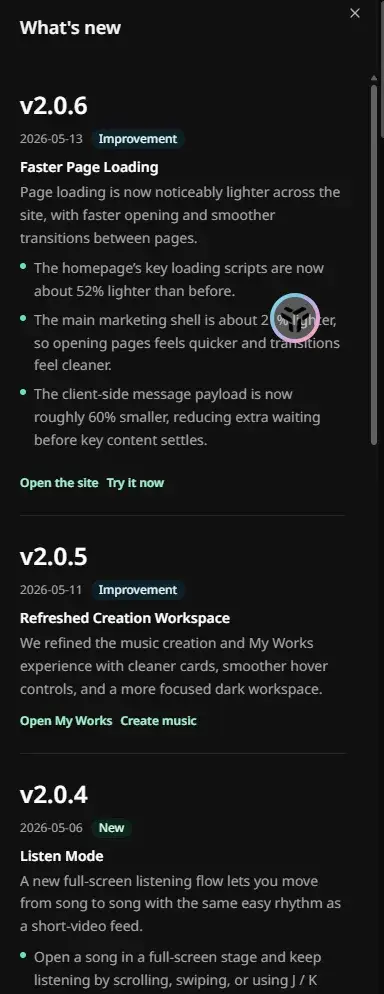
- Music cards, playlists, and media previews now prioritize cover art and playback info upfront.
- Buttons, active states, and progress details now use a more harmonious emerald accent color.
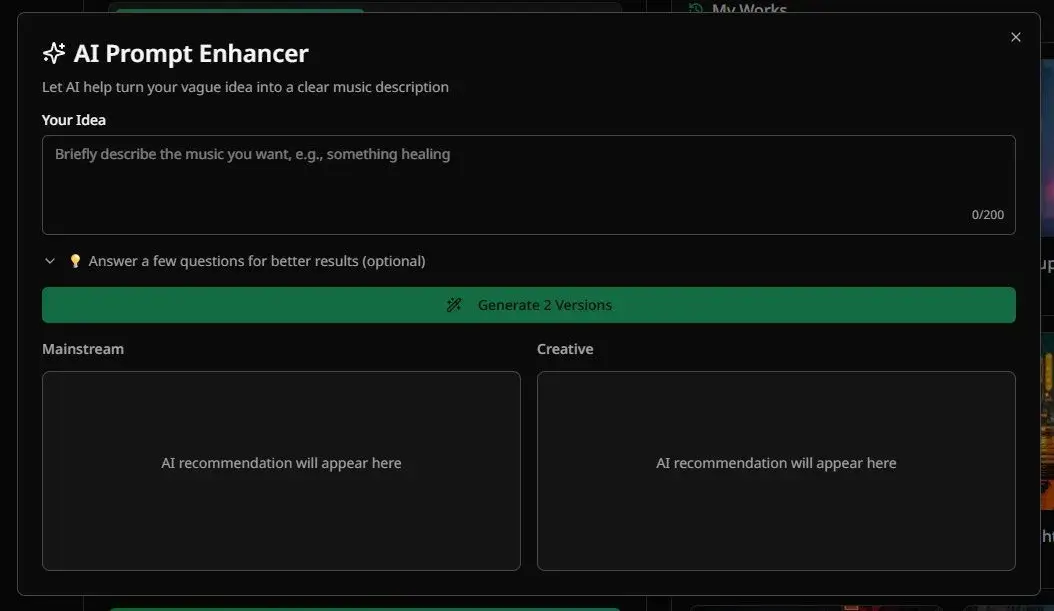
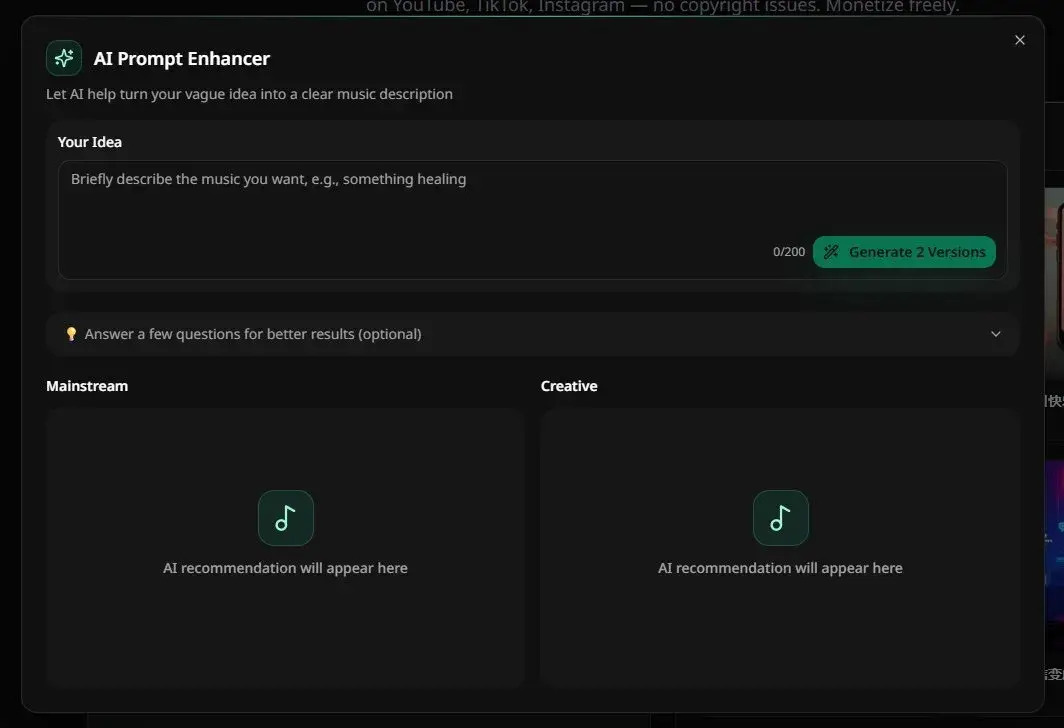
- Panels and modals feature darker backgrounds, lighter borders, and cleaner spacing.
Before and after comparison
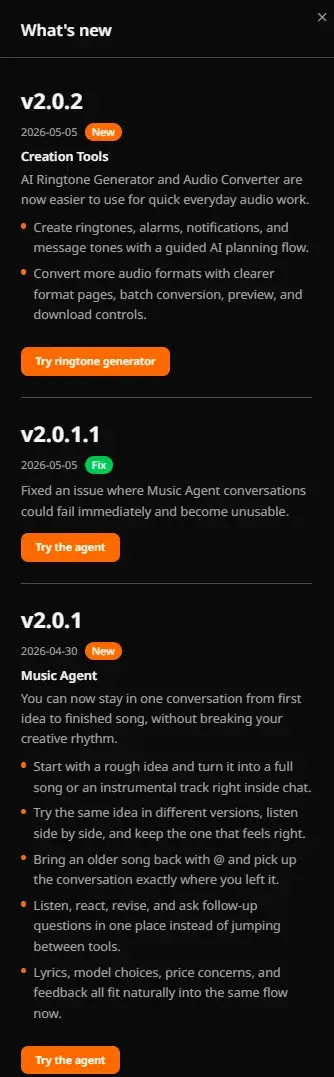
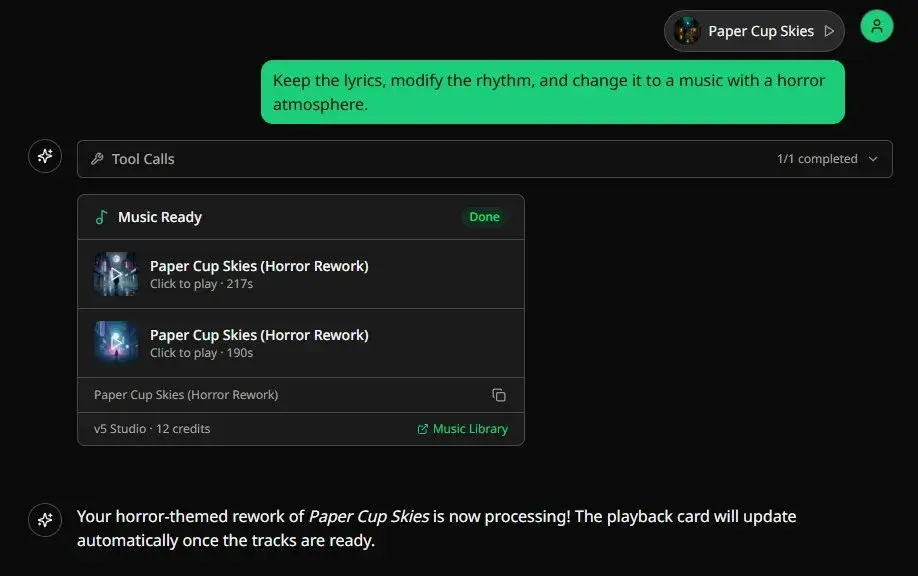
Each comparison below shows the same product area before and after the MusicMake.ai v2.0 redesign. The old interface is on the left, the new one on the right.
Comparison example 01
| Old interface | MusicMake.ai v2.0 |
|---|---|
 |  |
Comparison example 02
| Old interface | MusicMake.ai v2.0 |
|---|---|
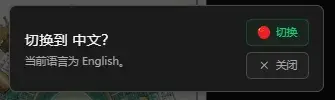 | 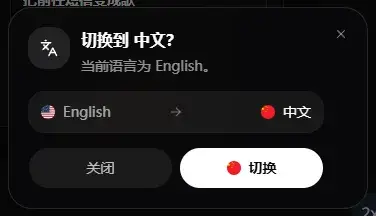 |
Comparison example 03
| Old interface | MusicMake.ai v2.0 |
|---|---|
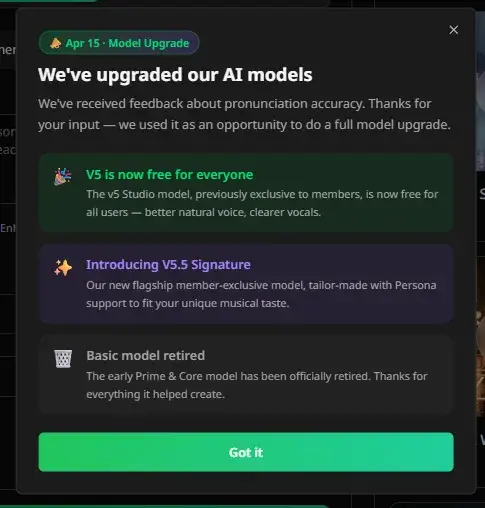 | 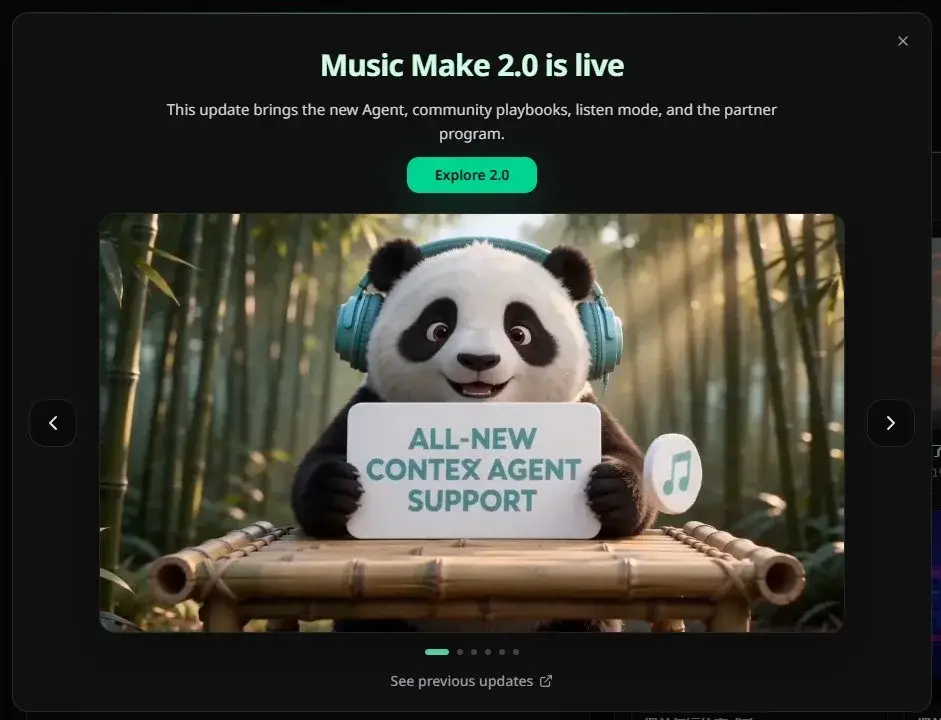 |
Comparison example 04
| Old interface | MusicMake.ai v2.0 |
|---|---|
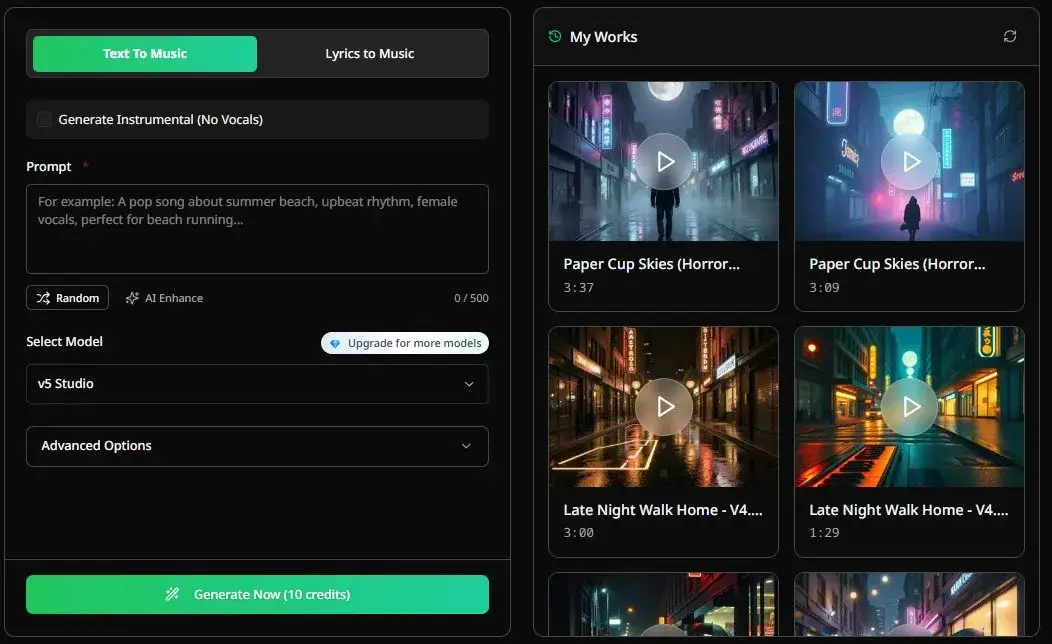 | 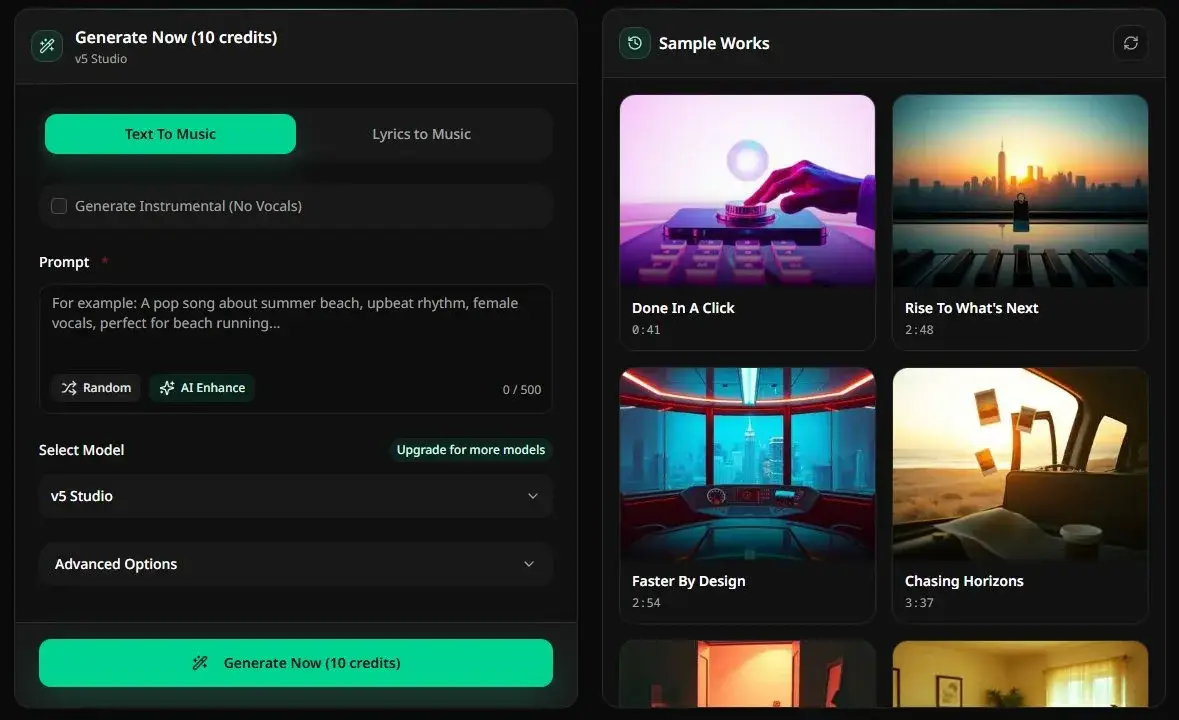 |
Comparison example 05
| Old interface | MusicMake.ai v2.0 |
|---|---|
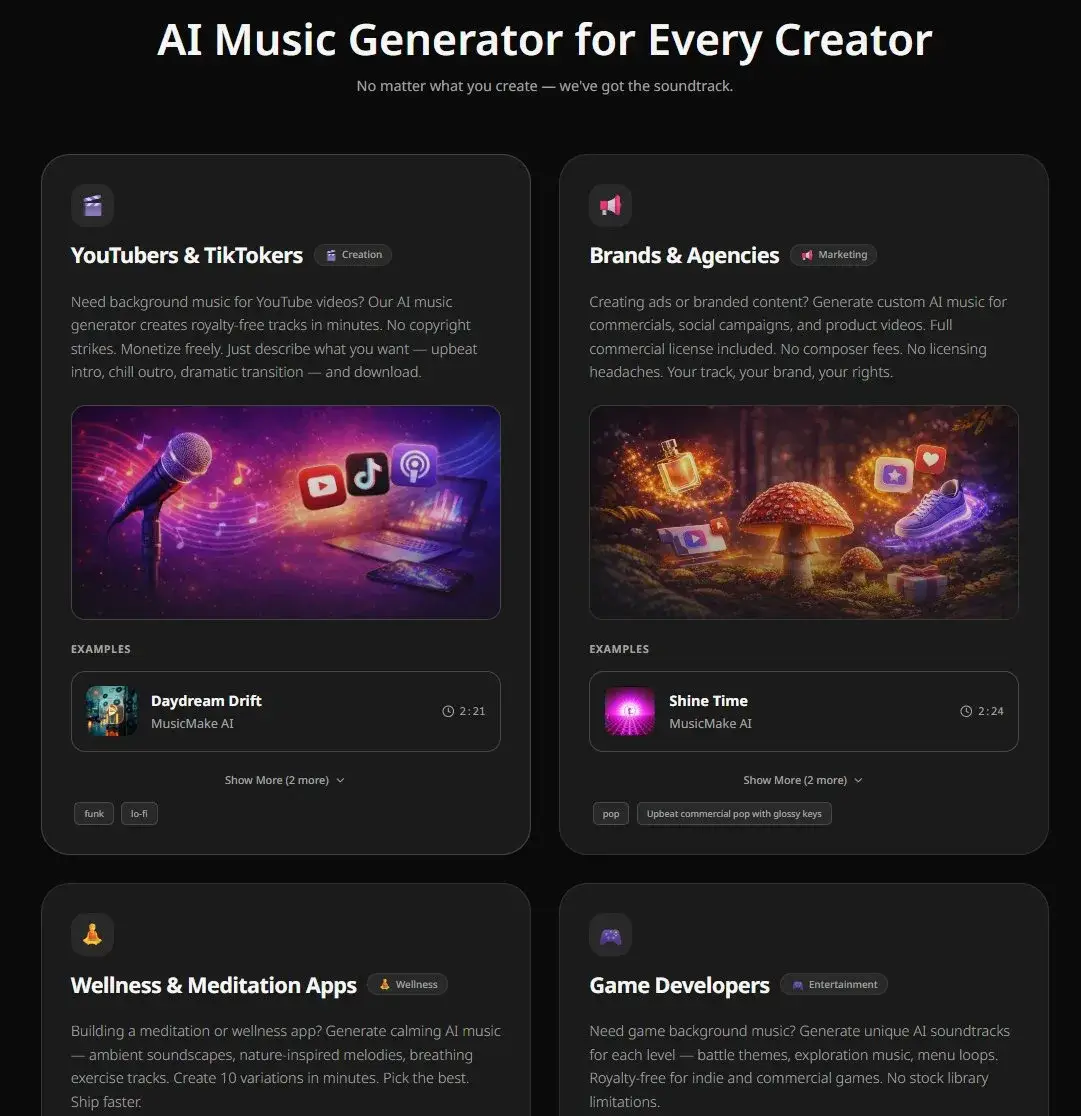 | 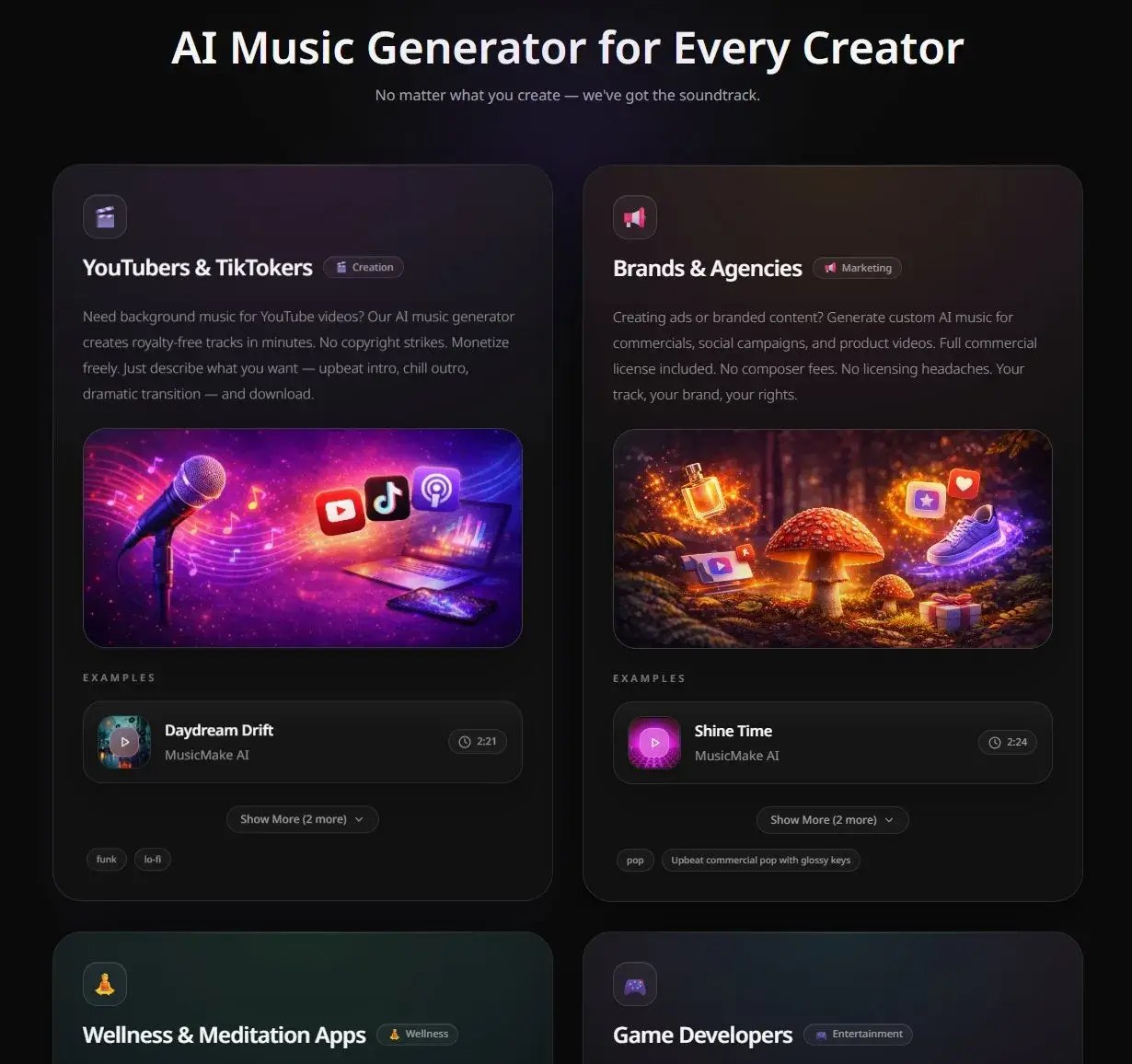 |
Comparison 06
| Old UI | MusicMake.ai v2.0 |
|---|---|
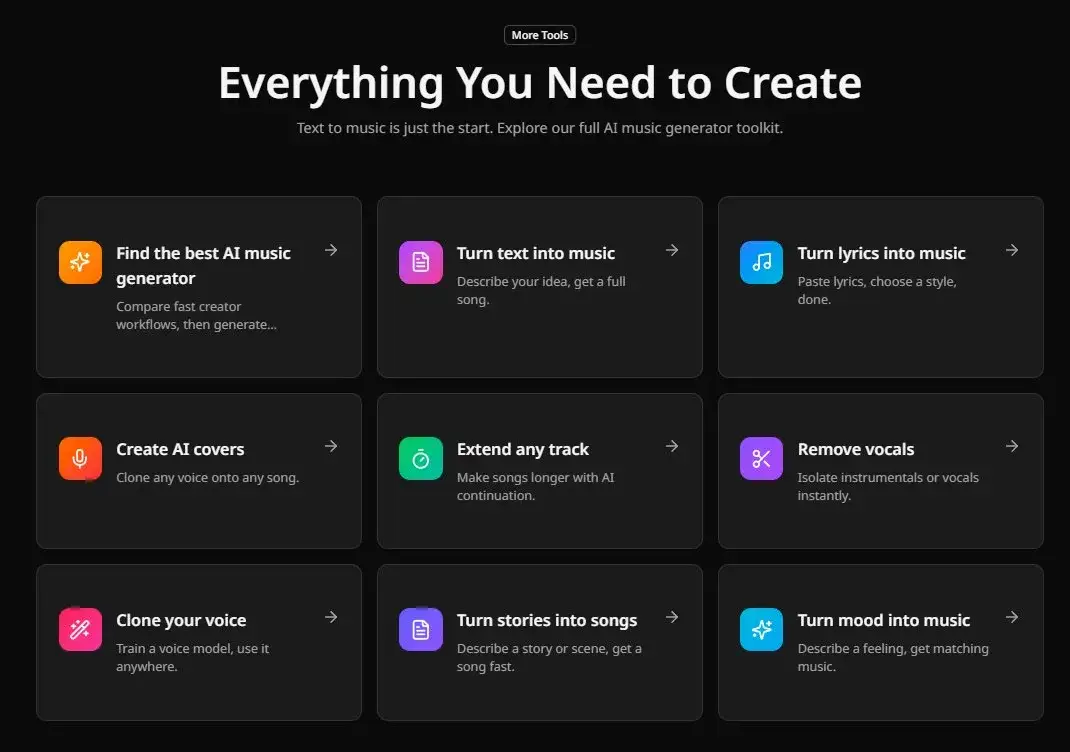 | 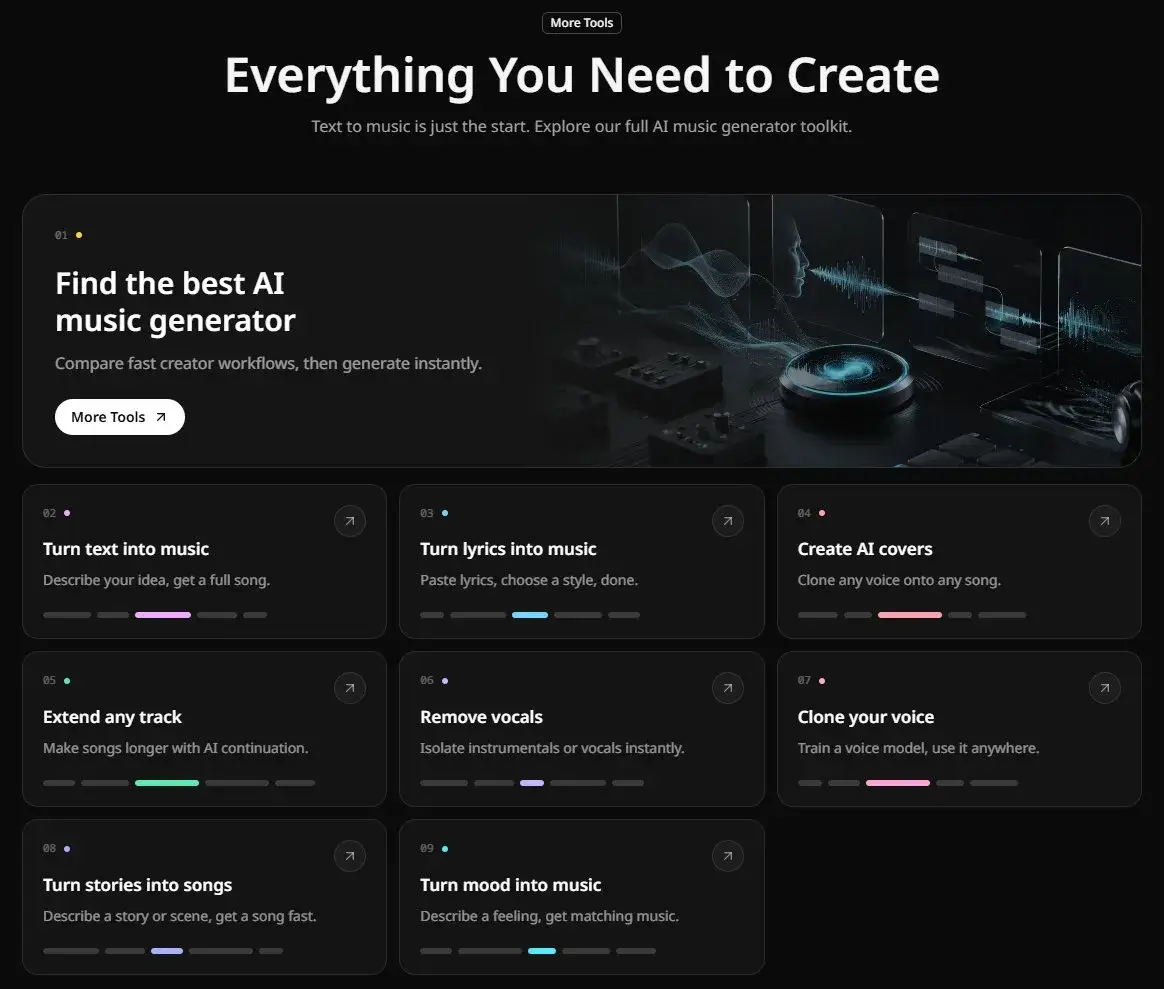 |
Comparison 07
| Old UI | MusicMake.ai v2.0 |
|---|---|
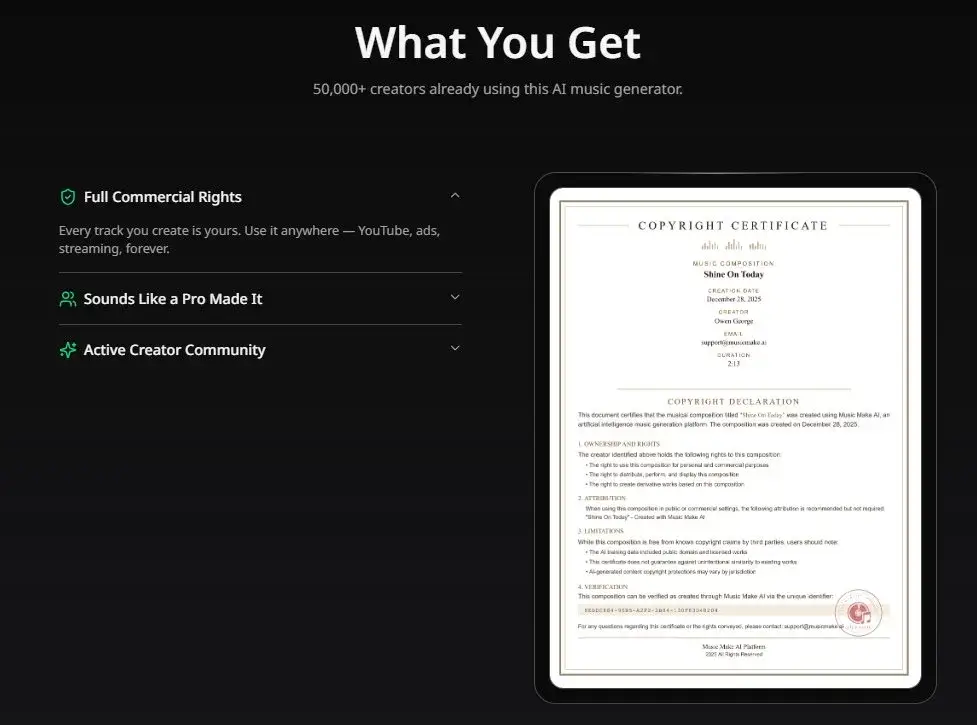 | 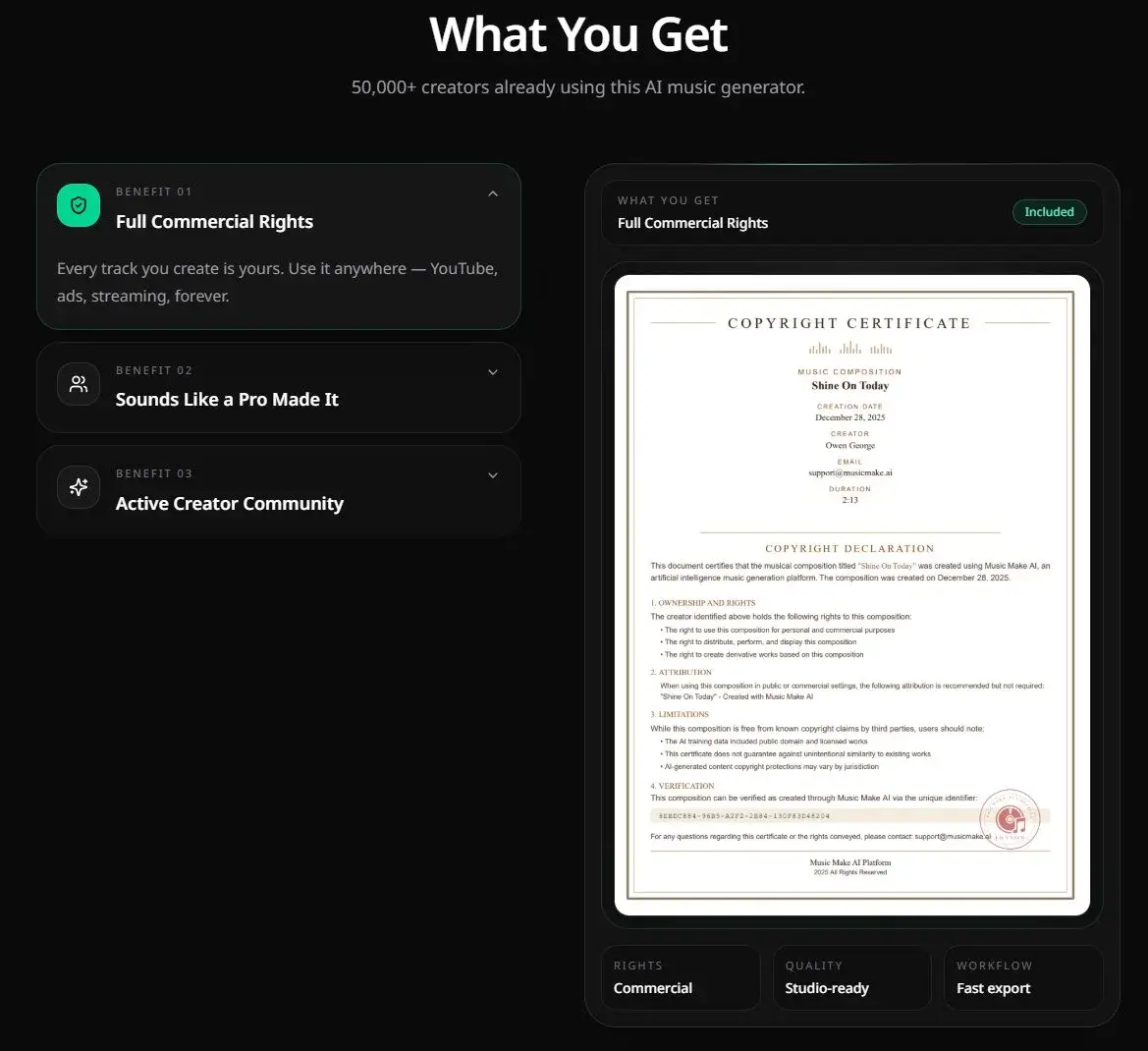 |
Comparison 08
| Old UI | MusicMake.ai v2.0 |
|---|---|
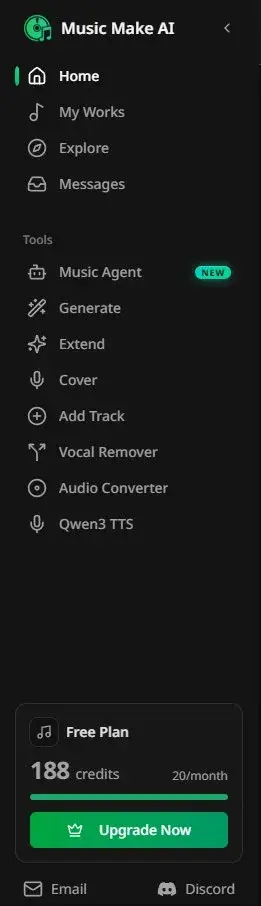 | 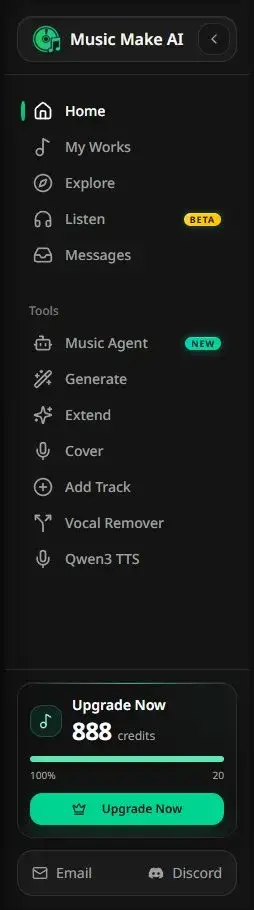 |
Comparison 09
| Old UI | MusicMake.ai v2.0 |
|---|---|
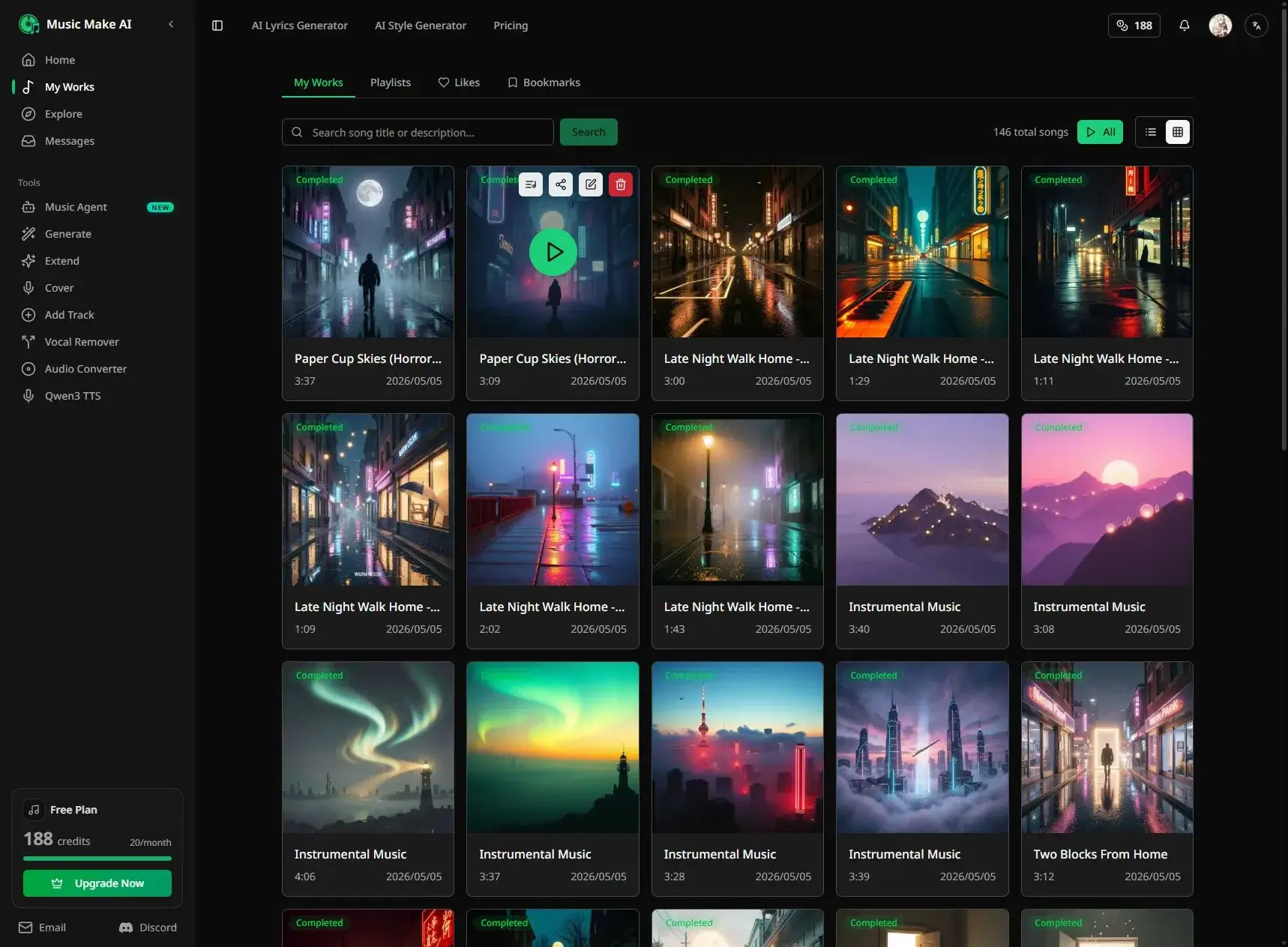 | |
Comparison 10
| Old UI | MusicMake.ai v2.0 |
|---|---|
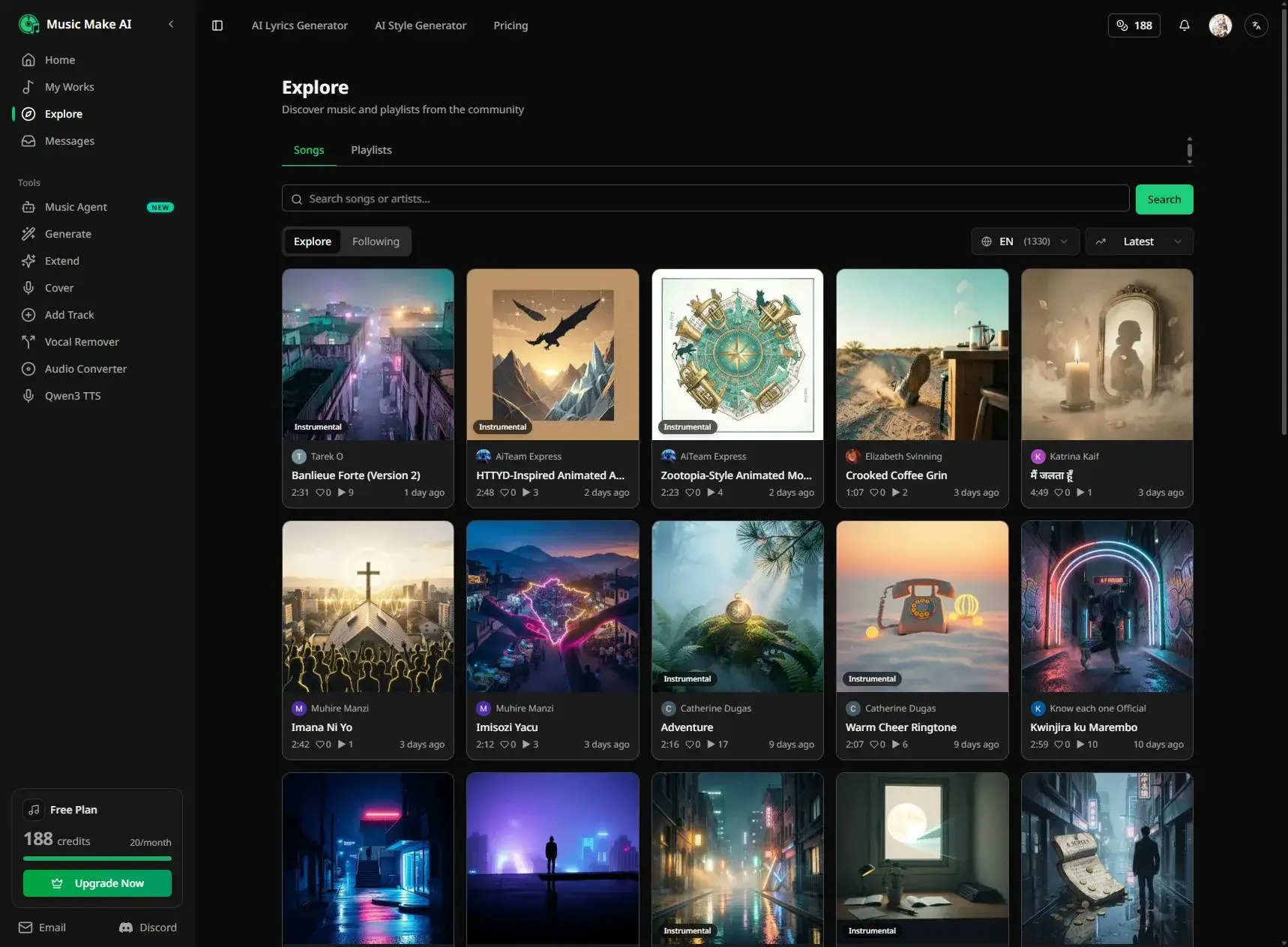 |  |
Comparison 11
| Old UI | MusicMake.ai v2.0 |
|---|---|
 |  |
Comparison 12
| Old UI | MusicMake.ai v2.0 |
|---|---|
 |  |
Why This Matters
AI music creation relies on repeated listening, comparison, iterative adjustments, and content organization. The interface should avoid disrupting the creative flow while making the next steps clear.
This update is part of the MusicMake.ai v2.0 direction: positioning the product as a music creator’s studio, not just an audio generation tool.
Next Steps
We’ll continue refining the studio experience across creation, listening, community pages, and account management.
You can also check the changelog for the complete MusicMake.ai v2.0 update notes.
No commercial risk: Music generated with MusicMake.ai paid plans is available for commercial use under the plan terms. See the Pricing page for details.
Daily check-in: Remember to check in daily by logging into MusicMake.ai to get creative inspiration and keep improving your AI music skills.
FAQ
What’s new in the v2.0 interface update?
v2.0 introduces a dark studio aesthetic, refines media display areas, enhances music-focused interaction cues, and unifies visual feedback for all interactive states. The creation page is more focused—music cards and playlists now prioritize album art and playback info, with a consistent emerald accent color for buttons and active states.
Will the UI update affect existing features?
No. This update is purely visual—all existing features remain unchanged. The new interface aims to make creating, previewing, and managing your work cleaner, calmer, and easier to navigate.
What’s the design philosophy behind v2.0?
v2.0 was designed to make the site feel like a dedicated music studio rather than a generic tool interface. Music creation depends on repeated listening, comparison, iterative tweaks, and content curation—the interface should stay out of your creative flow while clearly showing what to do next.
Author

Categories
More Posts
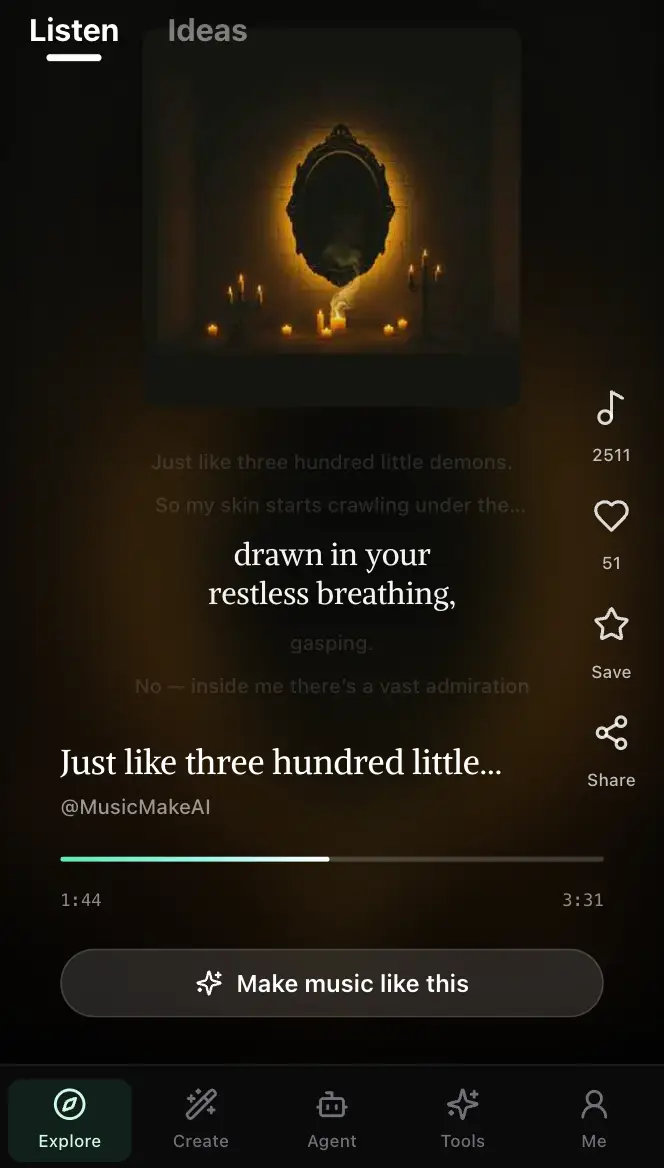
MusicMake.ai Mobile Update: Create Music From Your Phone Like an App
MusicMake.ai now gives creators a complete mobile flow for listening, generating, refining with Music Agent, opening tools, and managing songs from a phone.

AI Songwriting Guide: How to Write Songs with AI in 2026
Learn how to use AI songwriting tools to write better songs faster. Step-by-step guide covering lyrics, melody, arrangement, and production with AI assistance.

how to become a music producer with ai tools - MusicMake.ai Guide
Learn about how to become a music producer with ai tools with this comprehensive guide from MusicMake.ai.